
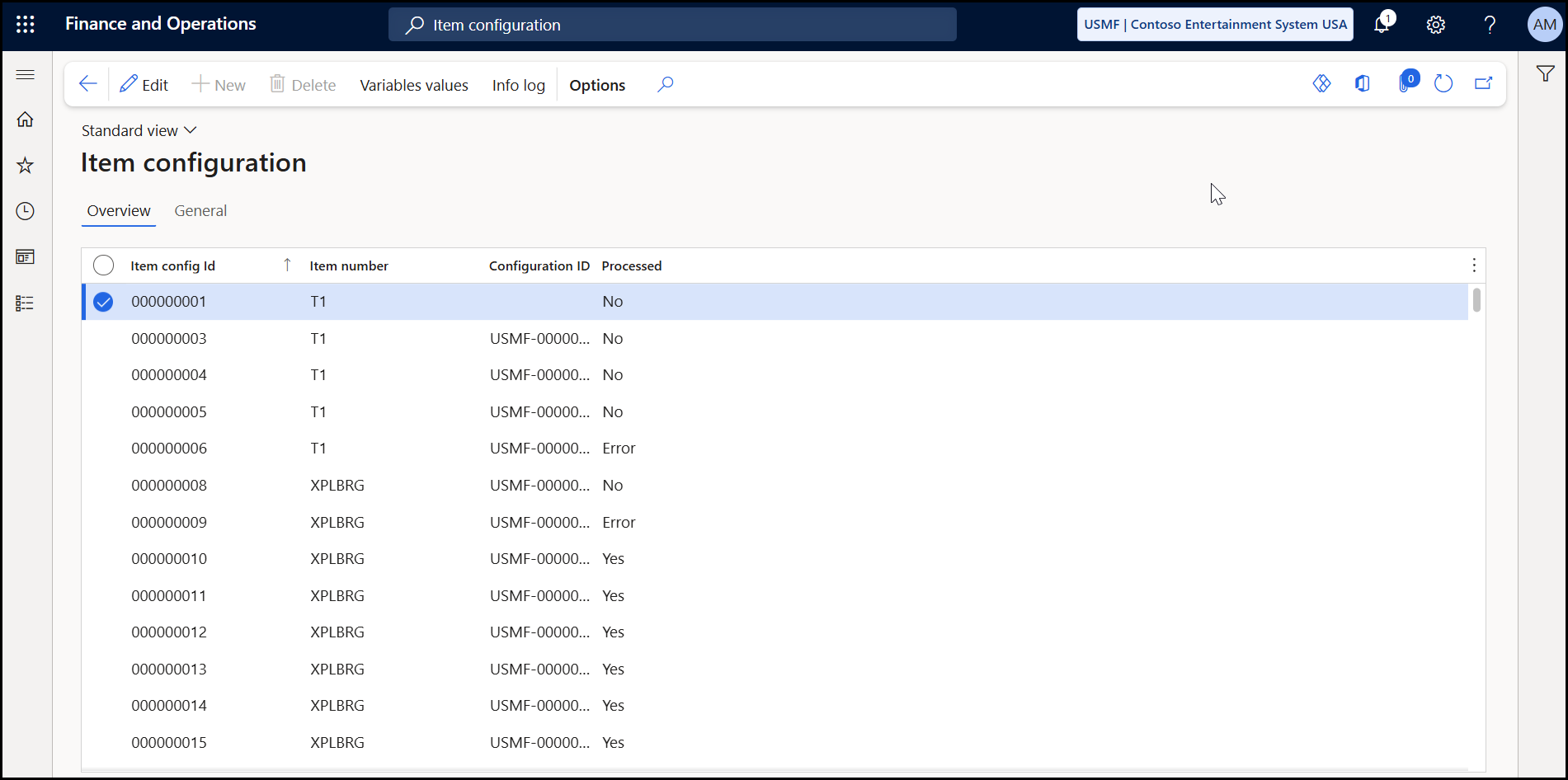
The Item configuration page displays data from saved configurations that is used by the BOM Route Generator. The page is global so all configurations across all Microsoft Dynamics 365 F&O companies are shown. You can use the data on this page to:
-
Verify the number sequencing applied to derive the Item Config ID value
-
Check the Processing status of the configuration
-
View the variable values used for any given configuration.
For more information on Experlogix variables in Microsoft Dynamics 365 F&O, see Set up Cloud Connect for Microsoft Dynamics 365 F&O
Procedures
View the Item Configuration Page
-
From Microsoft Dynamics 365 F&O, search for and select Item Configuration under Experlogix Integrator > BOM Route Generator.
Alternatively, the Item Configuration can be found under the Experlogix Integrator > BOM & Route generation dropdown menu in the Modules area.
-
In the Item Configuration page, you can do one or more of the following:
-
On the Overview tab, review information regarding your configured items.
-
On the General tab, view a subset of the available data for the selected row in a field view.
-
Select the Variable values button to view all variables used by the BOM Route Generator.
-