
You can write notes in your Configurations and have them mapped to a note field on your configured entity in Microsoft Dynamics 365 F&O. See the Prerequisites below for the requirements in your Microsoft Dynamics 365 F&O environment and Set Up Process Map for Notes for information on using Process Designer to enable this behavior.
Prerequisites
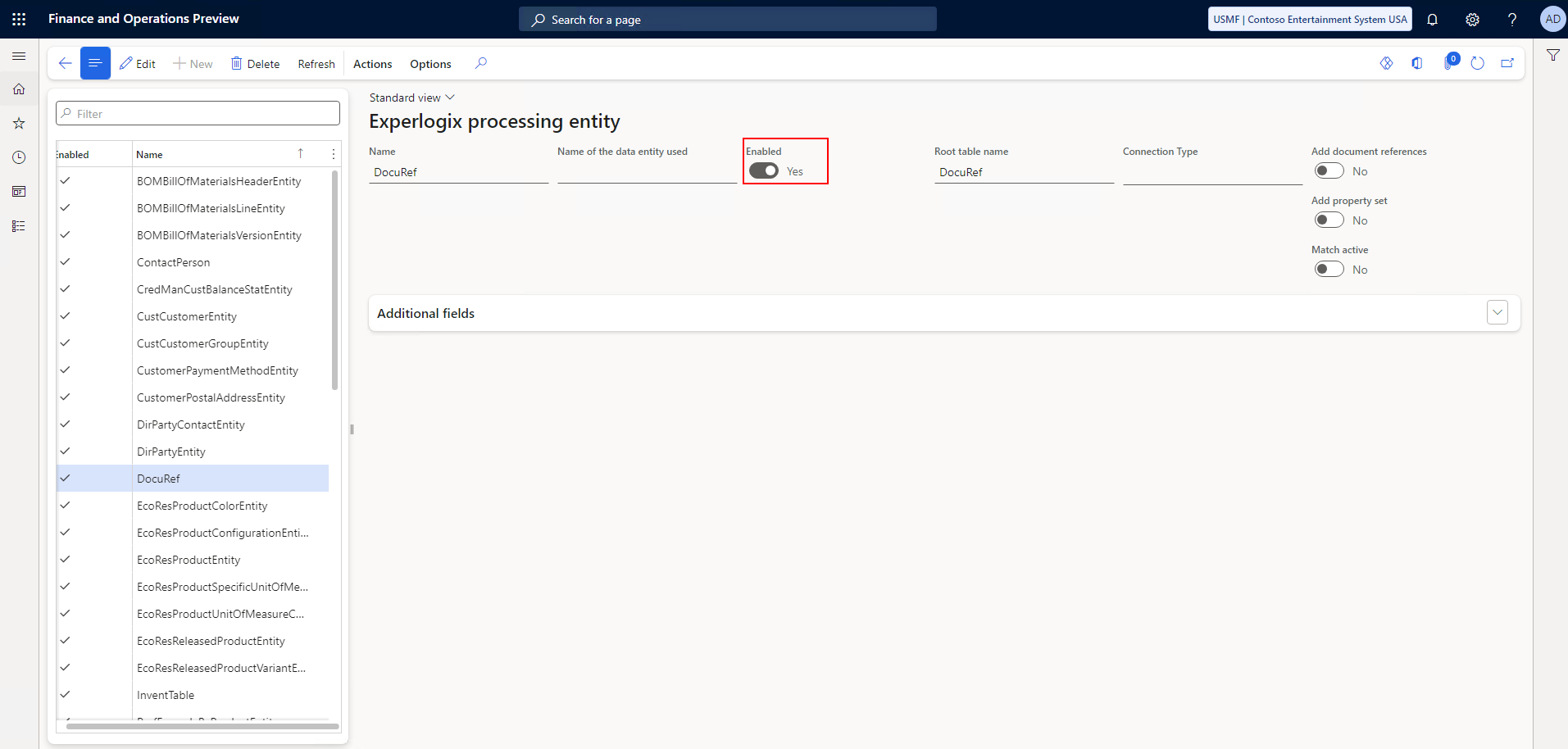
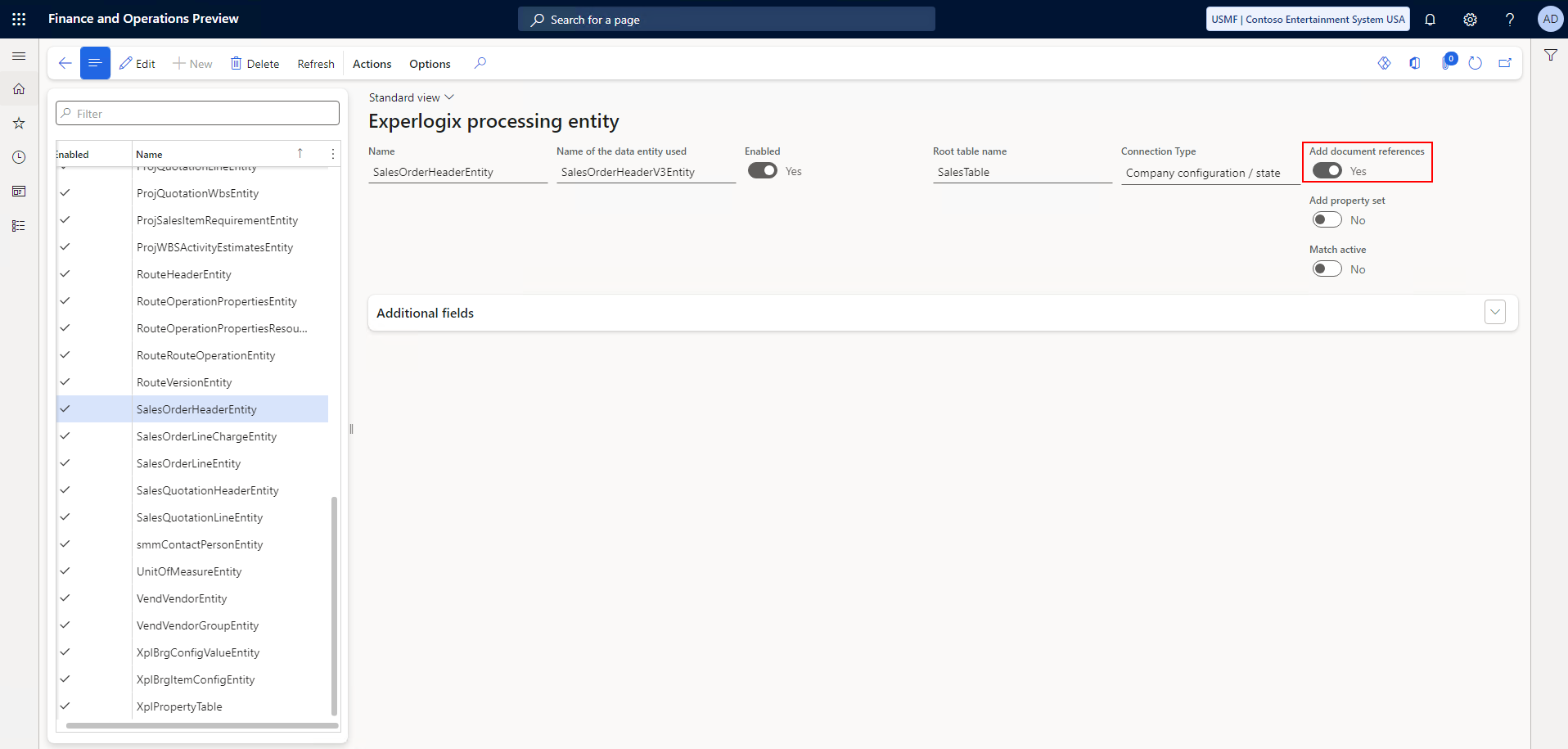
On the Experlogix Processing Entities page:
-
The DocuRef entity must be enabled.
-
The Add document references parameter must be set to Yes for processing entities for which you wish to write notes for during the configuration process.
Set Up Process Map for Notes
In your Process Designer setup, ensure the Process Map contains the following four fields to enable writing notes to Microsoft Dynamics 365 F&O.
|
Field |
Notes |
|---|---|
|
DocumentId |
As a key field, this is included automatically. |
|
TypeId |
This must have a value of Note. |
|
Name |
This must map to a Property providing a name of the note. |
|
Note |
This must shouldmap to a Property providing a content of the note. |
{
      "__metadata": {
      "entity": "DocuRef",
      "action": "create",
      "id": "FO Note~.~Tank~fdc40d7e-9410-4f0d-a621-f940944e96f4"
      },
      "DocumentId": "",
      "TypeId": "Note",
      "Name": "NoteName",
      "Notes": "NoteContents"
    }