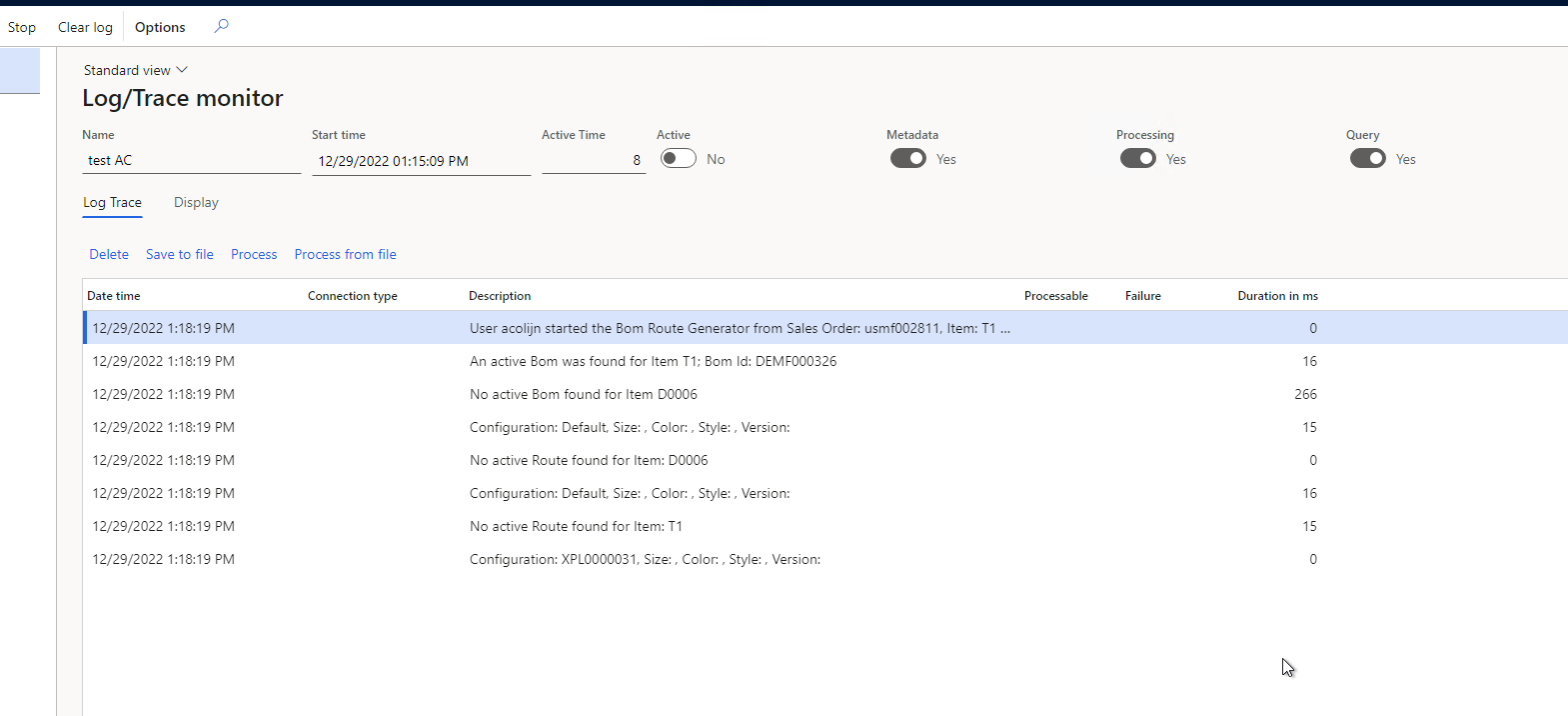
Reports
The following data in tables in Experlogix D365 FO is available for the users analysis / error tracing / other applications to consume.
-
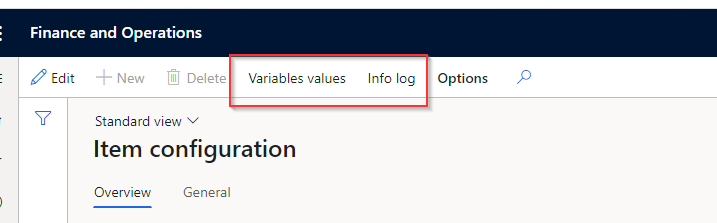
Item Configuration(Modules > Experlogix > BOM & Route Generation > Item configuration), shows the item number, optionally the product configuration number and Experlogix configuration number with the Variable Values and BOM Routing errors. On this form, there's a button to view the Variable values and an Info log to view any processing errors when triggering the BOM Route generator.
The concept of data entities is explained here - Data Entities.
Logging and Error Handling
Tthe Experlogix logging form, which can be accessed via Modules > Experlogix > Experlogix logging, has a boolean setting, "Bom Route Generator". With this boolean set to True and logging enabled, the BOM Route generator provides diagnostic information when triggered.
It is required to have 'Details' set to true to have any logging of the BOM Route generator.