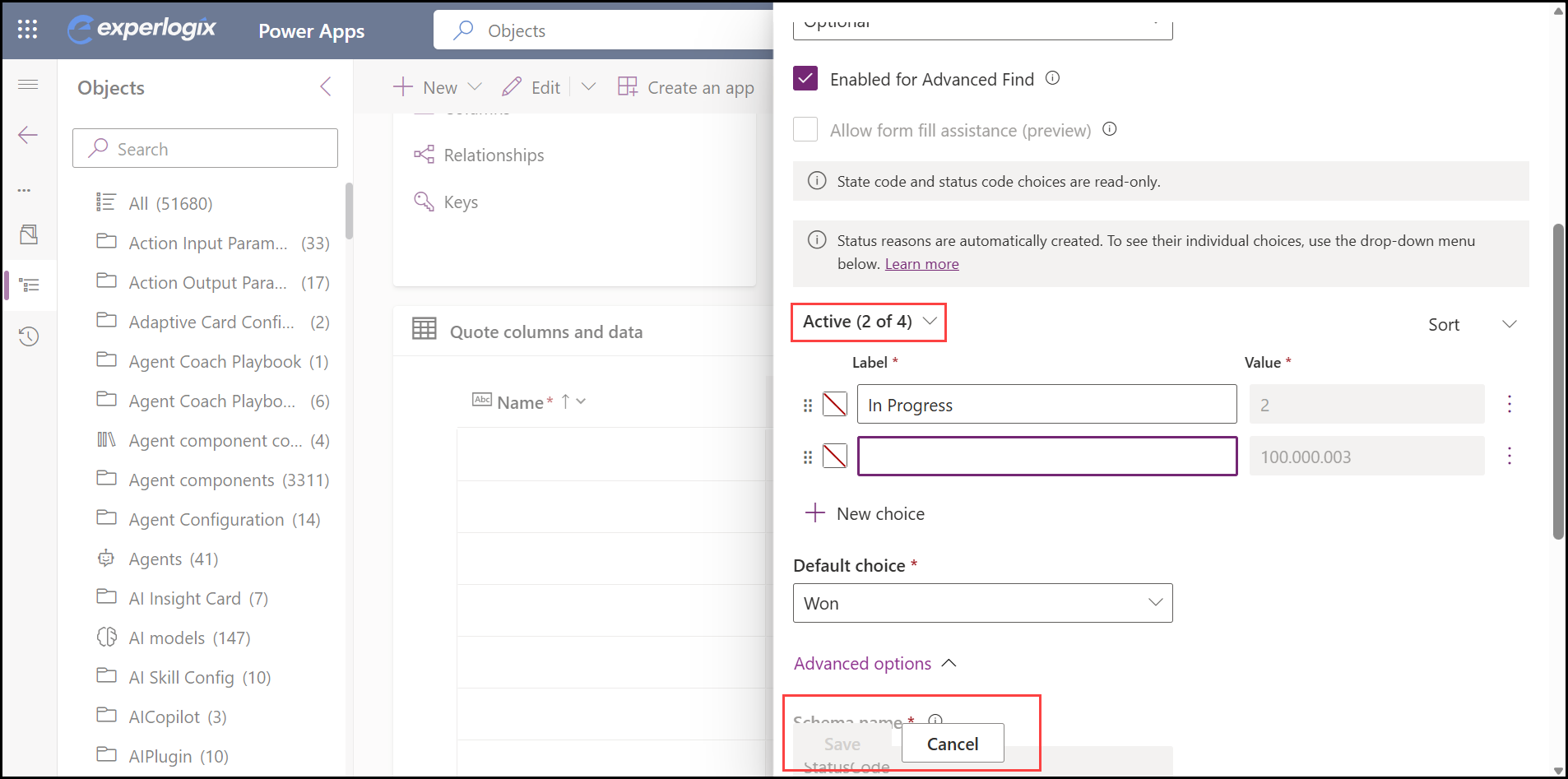
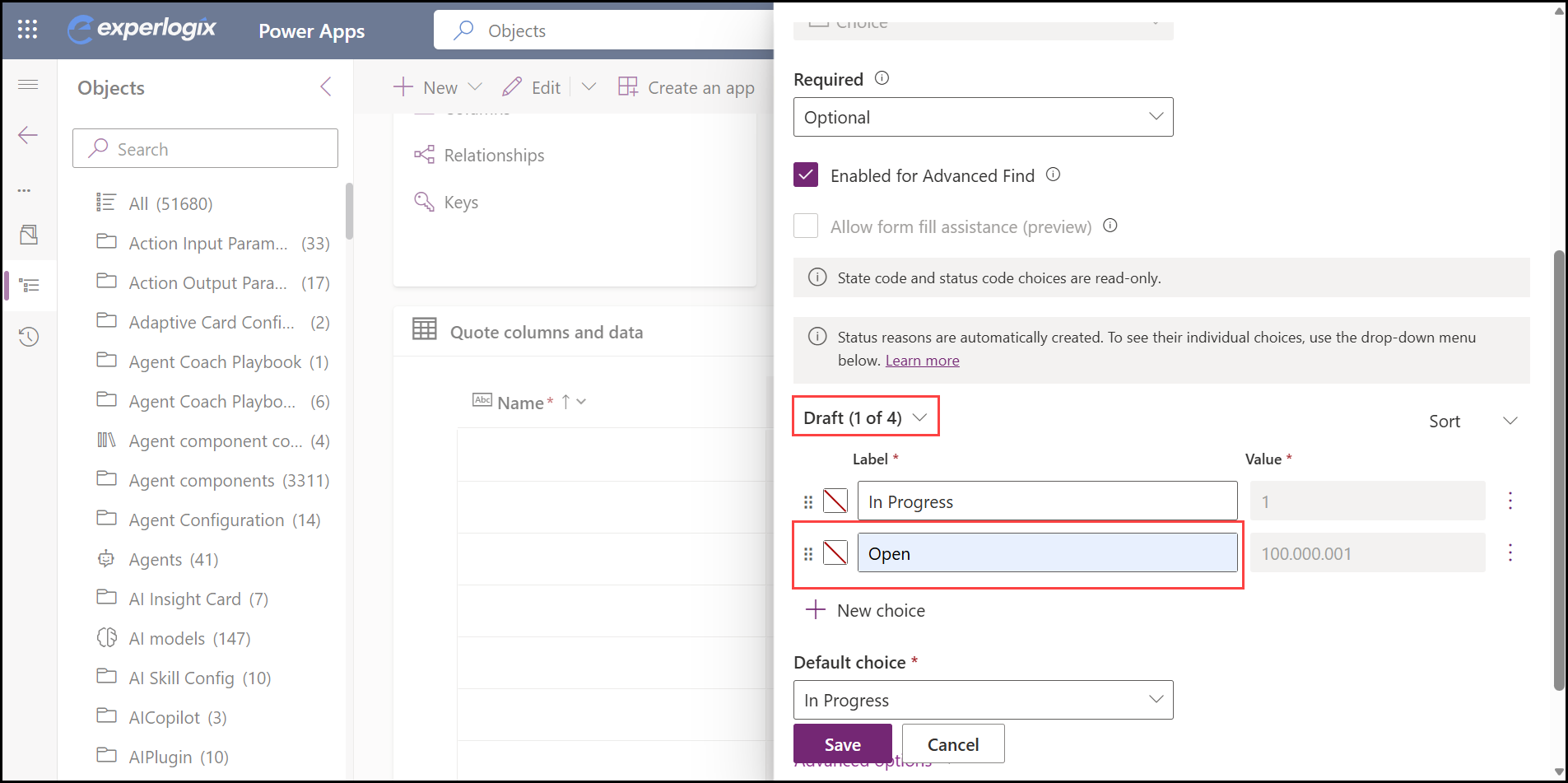
Microsoft Dynamics 365 CE entities have two key fields, Status (statecode) and Status Reason (statuscode). Each Status can have one or more Status Reasons, allowing organizations to track detailed internal stages without changing the overall state of the record. For example, when an entity is in the Draft state, the corresponding Status Reasons could include In Progress, Collecting Data, or Under Discussion, depending on business needs.
The configuration opens in two modes:
-
Edit mode (read-only = false) – Users can modify the configuration.
-
View mode (read-only = true) – Users can only view the configuration.
The mode is automatically determined by the Status field:
-
If the Status is one of the allowed editable states (for example, Draft for Quote), it opens in Edit mode.
-
For all other Status values, it opens in View mode.
While multiple Status Reasons can be defined and extended for a given Status, they do not impact whether the configuration is editable or read-only. This behavior is solely driven by the Status field.
This behavior is applicable on Opportunity, Quote, Order (salesorder), and Invoice (invoice) entities. The standard Quote entity has the following values:
|
Entity |
Status (statecode) |
Status Reason (statuscode) |
|---|---|---|
|
Quote (quote) |
0 Draft |
1 In Progress |
|
1 Active |
2 In Progress |
|
|
3 Open |
||
|
2 Won |
4 Won |
|
|
3 Closed |
5 Lost |
|
|
6 Canceled |
||
|
7 Revised |
When a Quote entity is in the Draft state, users can select from multiple configured Status Reasons and modify the configuration. In this state, the Configurator opens in Edit mode, allowing users to make changes and save them.
When the Quote is moved to the Active state, the Configurator opens in View mode (read-only). In this mode, users can view the configuration but cannot make changes.
Through Power Apps, the status reason can be modified. Open Power Apps > Solutions > Objects > Tables > Quote > Status Reason > Edit Column. Additional status reasons can be added here.
Edit mode
View mode