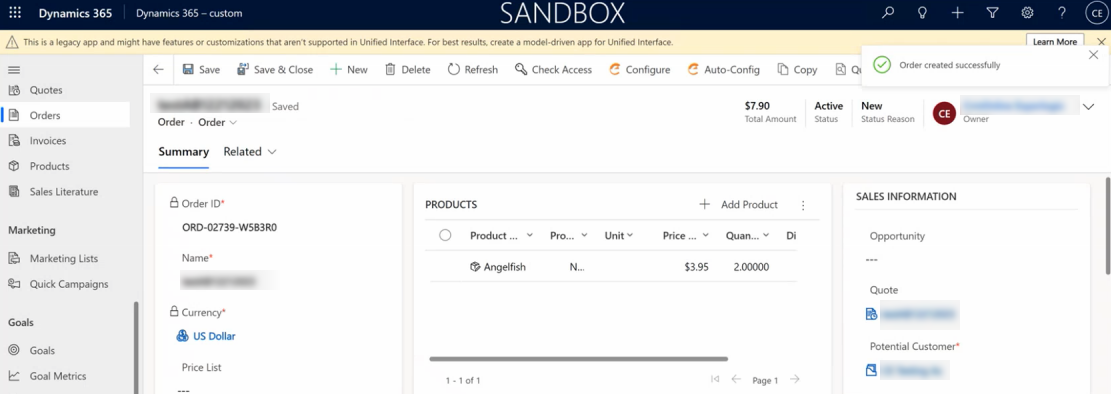
Using the Integration API, it is possible to reconfigure a Microsoft Dynamics 365 CE sales quote and convert it to a Microsoft Dynamics 365 CE sales order after the quote is confirmed and closed.
Prerequisites
-
No need to rerun the logic of the Configurator when a Microsoft Dynamics 365 CE Quote is being moved to a Microsoft Dynamics 365 CE Sales order.
-
The process design must have the same structure as the Microsoft Dynamics 365 CE Quote and Microsoft Dynamics 365 CE Sales Order.
-
The same connectionid should be used, and there should be only one process context for the quote and one for the sales order.
Reconfigure Microsoft Dynamics 365 F&O Quote to Sales Order Flow
For this example, Fish are selected as part of the sales quote.
-
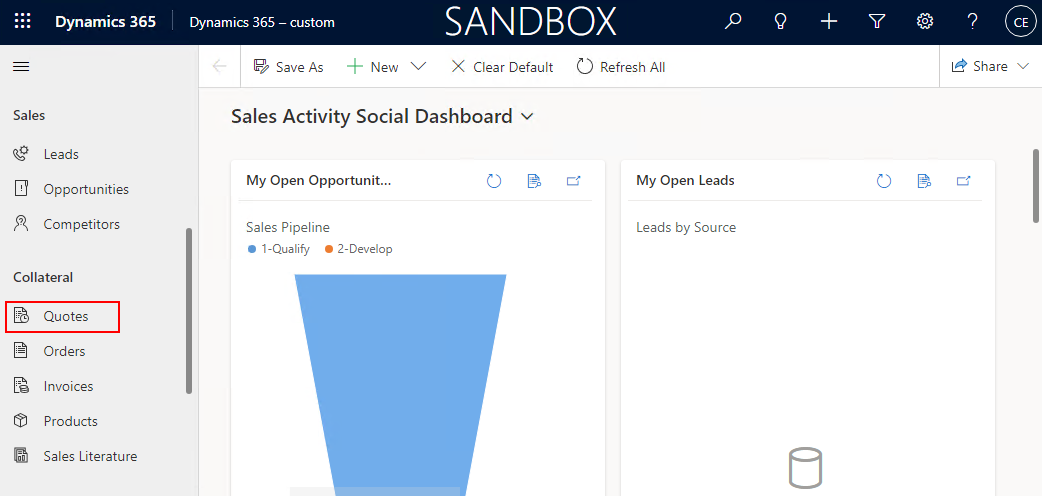
In Microsoft Dynamics 365 CE, navigate to the Quotes page.
-
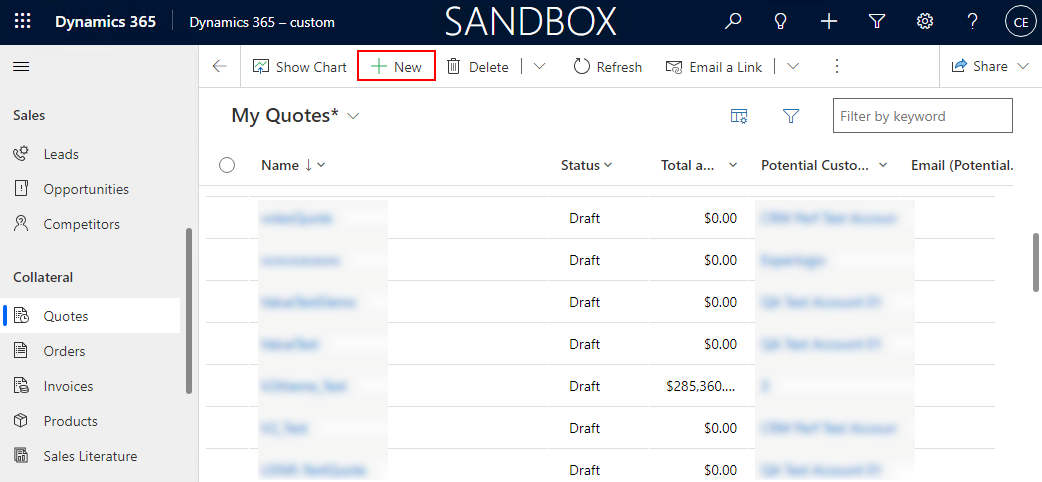
At the top, select New.
-
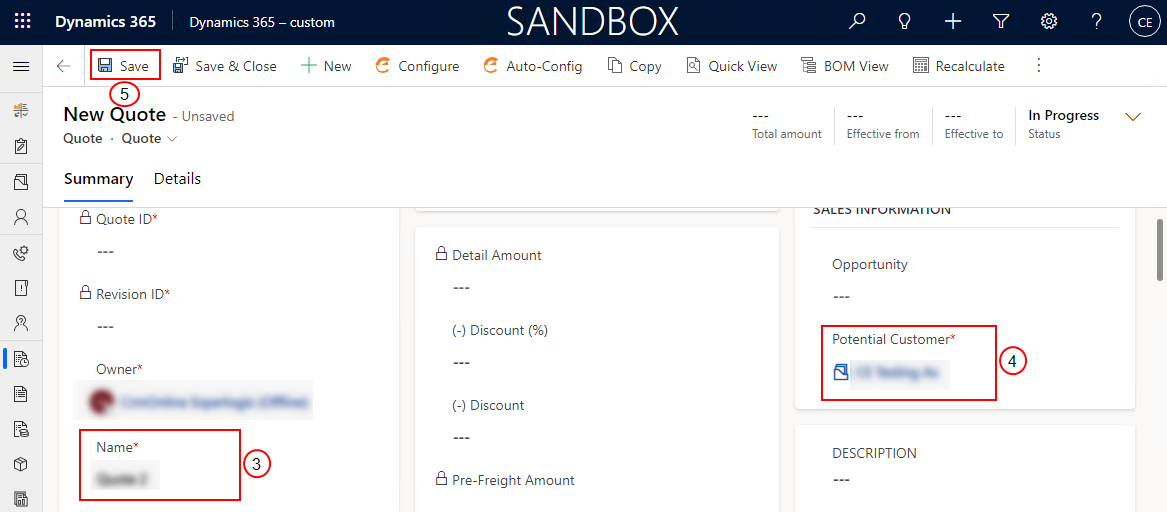
Enter Name.
-
Enter the Potential Customer name.
-
Select Save.
The quote is saved, and a Quote ID is assigned to the quote.
-
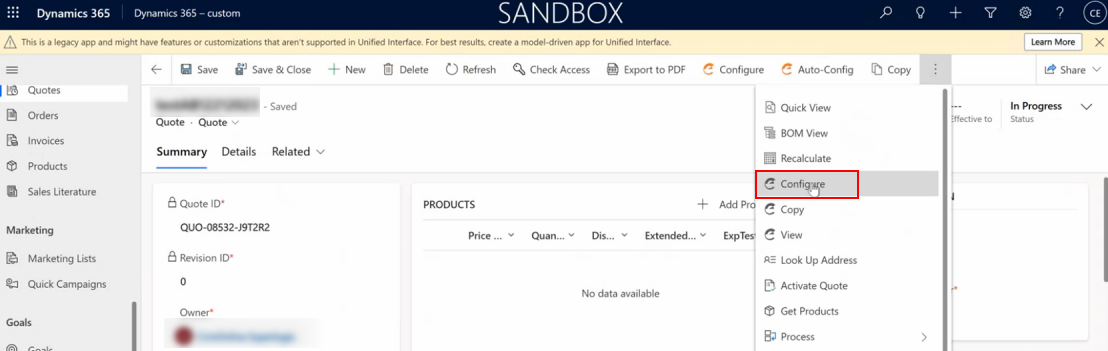
At the top, from the options, select Configure.
-
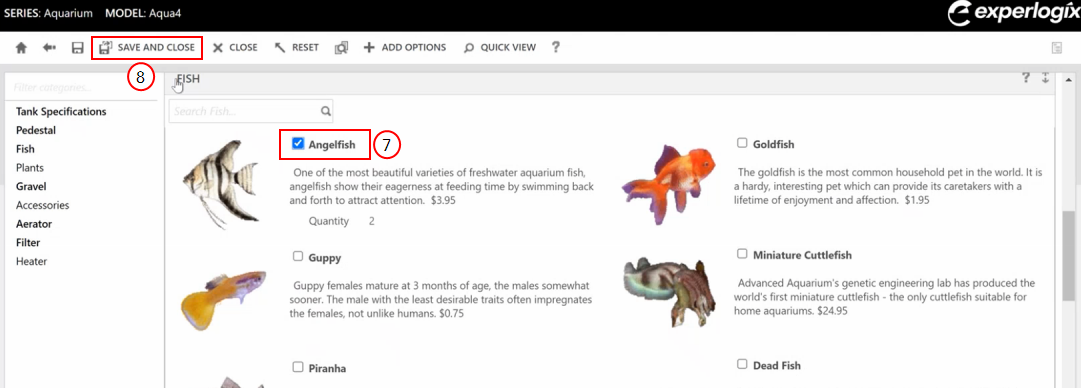
Select a fish from the available options.
-
Select Save and Close to save the configuration. The Quote page refreshes, and the line item is added in the Products section.
-
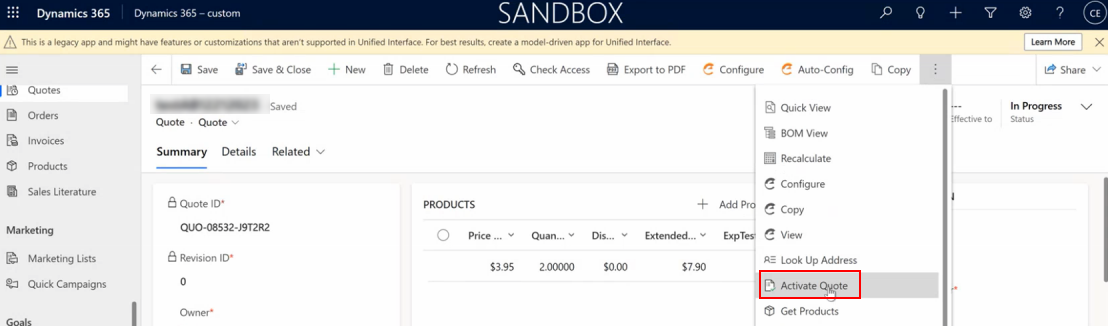
At the top, from the options, select Active Quote.
-
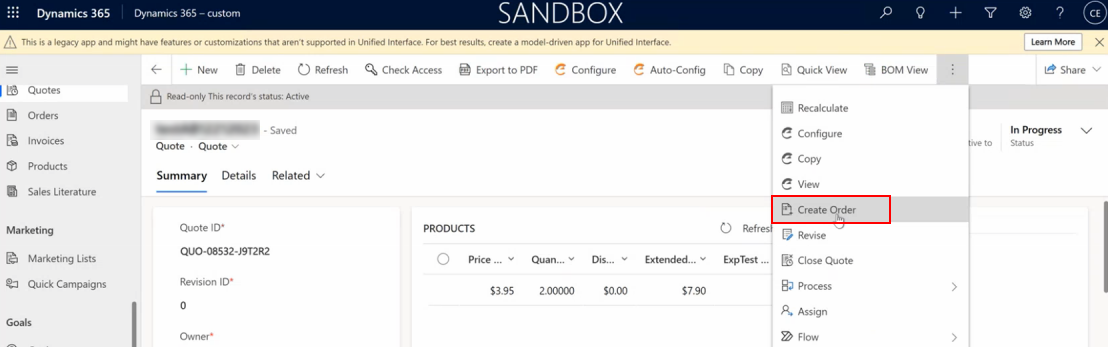
At the top, select Create Order.
-
On the Create Order dialog, select the OK button.
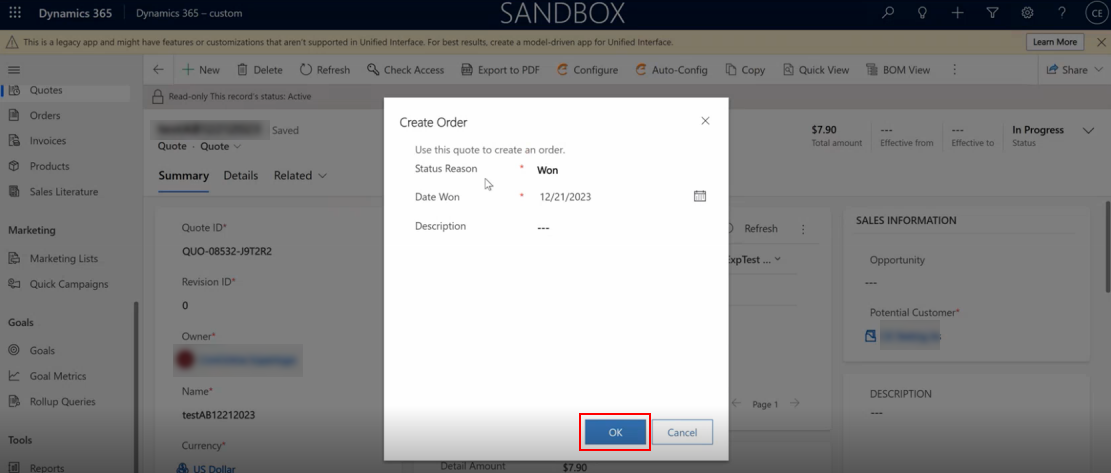
The order is created from quote, and the Order page displays.