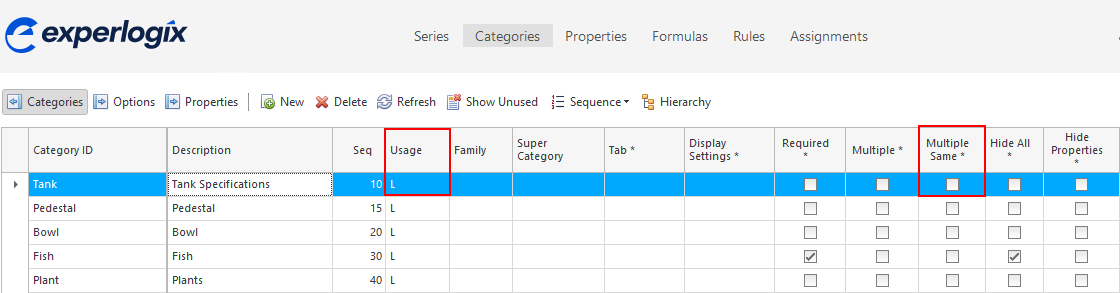
Symptom: When saving from the Configurator to a host with a Category that has "Multiple" or "Multiple Same" active, only one Option is saved in the host.
Cause
The Options do not have a unique index.
Solution
Follow these steps to resolve the issue:
-
Check whether the Category linked in the Process Designer has Multiple or Multiple Same set to Yes.
-
If there's a one-to-many relation to the parent, ensure the Usage is set to L in Design Center at a Category level.
-
Explanation: Otherwise, the Options do not have a unique index and only one of the Options will be saved.