
Use the list below for information regarding common problems encountered by users integrating Experlogix with Salesforce.
Salesforce Permissions Error: Settings__C Object Not Recognized
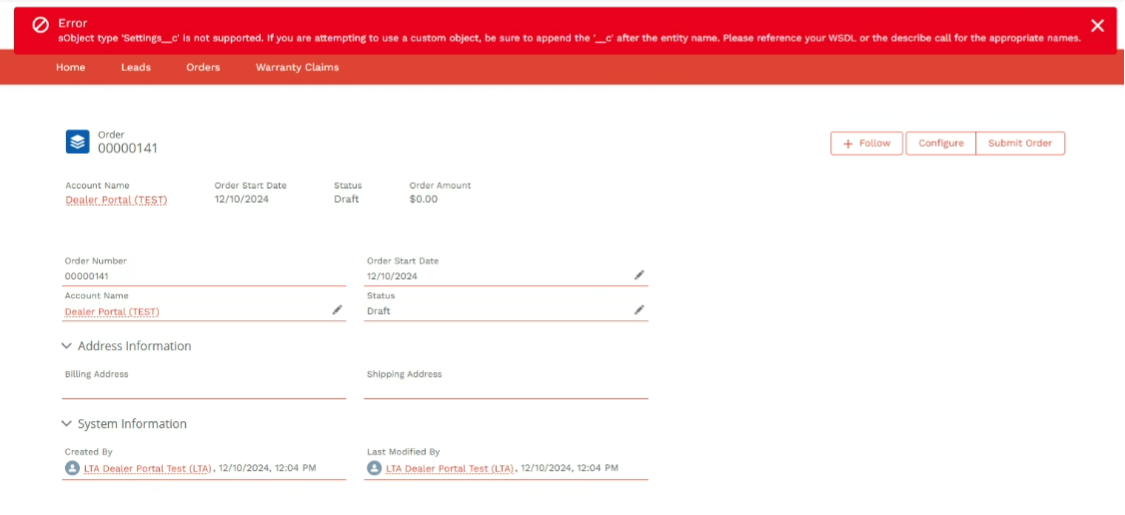
Symptom: When you select the Configure button in Salesforce Cloud Connect, the following error message displays:
"sObject type 'Settings__C' is not supported. If you are attempting to use a custom object, be sure to append the '__c' after the entity name. Please reference your WSDL, or the describe call for the appropriate names."
Cause
This error occurs because SalesForce Cloud Connect does not recognize or support the Settings__C object type. This typically happens if you do not correctly reference the custom object or if you do not assign the necessary permissions.
Solution
-
Verify Custom Object Reference:
-
Ensure you use the correct custom object name with the __c suffix.
-
Reference your WSDL or use the describe call to confirm the appropriate names.
-
-
Assign Permissions:
-
Assign Experlogix CloudConnect permissions to your user. This action will resolve the error. See Salesforce User Roles and Permission Sets for more information.
-
Attempt to De-reference a Null Object Error
Symptom
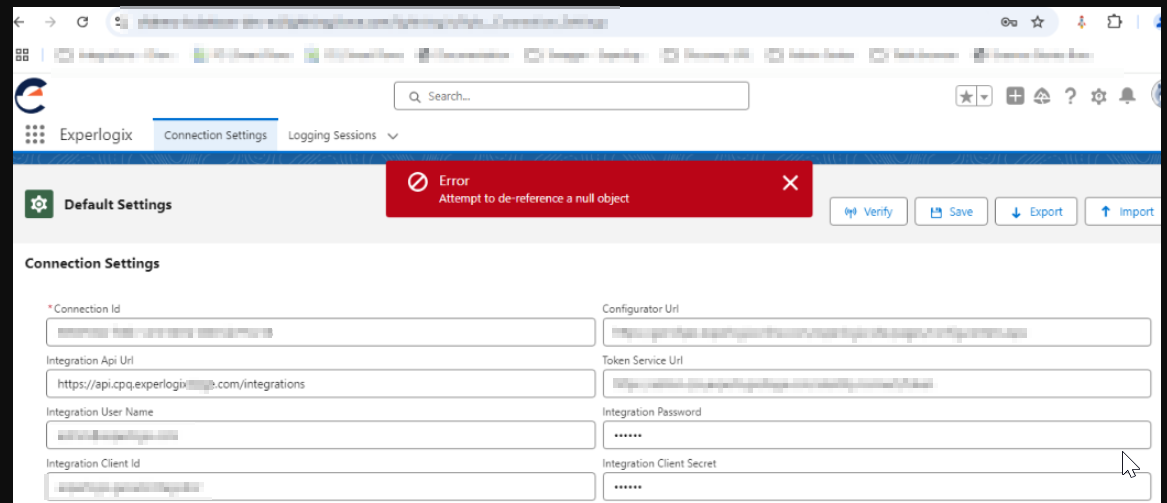
When pressing the Verify button on the Salesforce settings page, it gives the following error: "Error: Attempt to de-reference a null object.
Cause
This is an issue that can occur intermittently. The complete error message is as follows: "Unauthorized endpoint, please check Setup -> Security > Remote site settings. endpoint = %1" where %1 is the integration API.

Solution
Add the integration API as a remote site.