
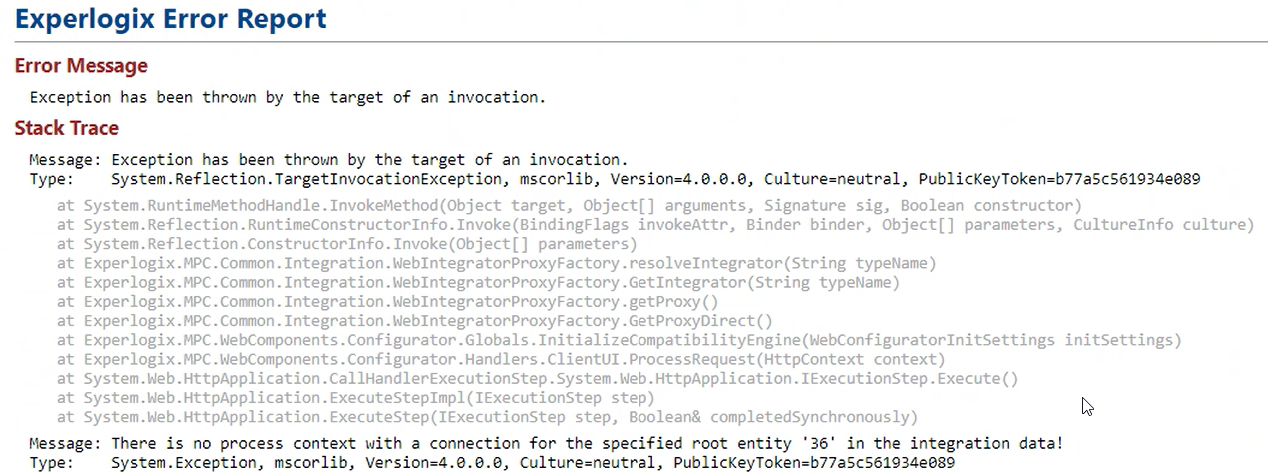
Symptom: The Configurator displays the following error message, "There is no process context with a connection for the specified root entity 'x' in the integration data."
Cause
This error displays as the Process Structure does not include a Process Context, Process Map, and Category.
Solution
-
In Process Designer, create a Process Structure which has a Process Context for the Entity you're starting from as a root element. For information on creating a Process Structure, see Process Structure.
-
Save the Process Designer data to Design Center.
-
Publish to the Configurator site.