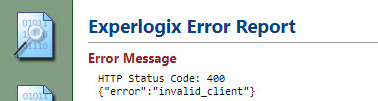
Symptom: The Configurator displays the following error message, "HTTP Status Code: 400 {"error":"invalid_client"}"
Cause
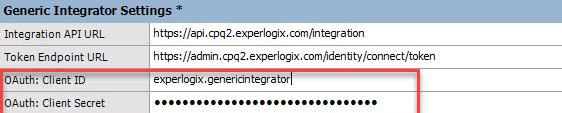
In the Config File Editor, the OAuth: ClientID and the OAuth: Client Secret values are entered incorrectly or are missing.
Solution
-
Access the Config File Editor from the Design Center Publishing Toolkit. For more information, see Access the Config File Editor.
-
In the Generic Integrator Settings section, ensure that the OAuth: ClientID and the OAuth: Client Secret values are entered correctly.