
Symptom
On opening the Configurator, the following error displays:
{
  "httpRequestError": "SecureConnectionError",
  "message": "The SSL connection could not be established, see inner exception.  The remote certificate is invalid according to the validation procedure: RemoteCertificateNameMismatch",
  "type": "HttpRequestException",
  "status": 500,
  "traceId": "0HN3L8NKVSP6M:000000E7"
}
Error message: The SSL connection could not be established, see inner exception. The remote certificate is invalid according to the validation procedure: RemoteCertificateNameMismatch.
Cause
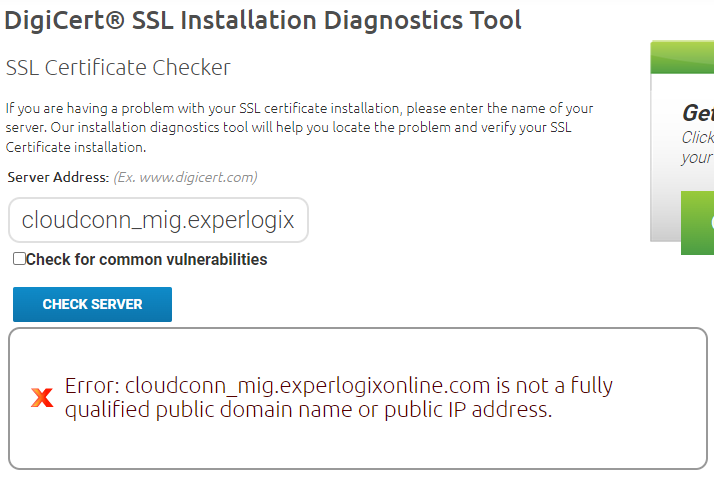
The URL of the Classic Configurator has an underscore in it. It is not a fully qualified public domain name and is an invalid URL as per the diagnostic tool.
Solution
Ensure that the Configurator and Migration URLs do not have an underscore in them. Also ensure that the URLs:
-
Are accurate and qualified
-
Have valid certificates