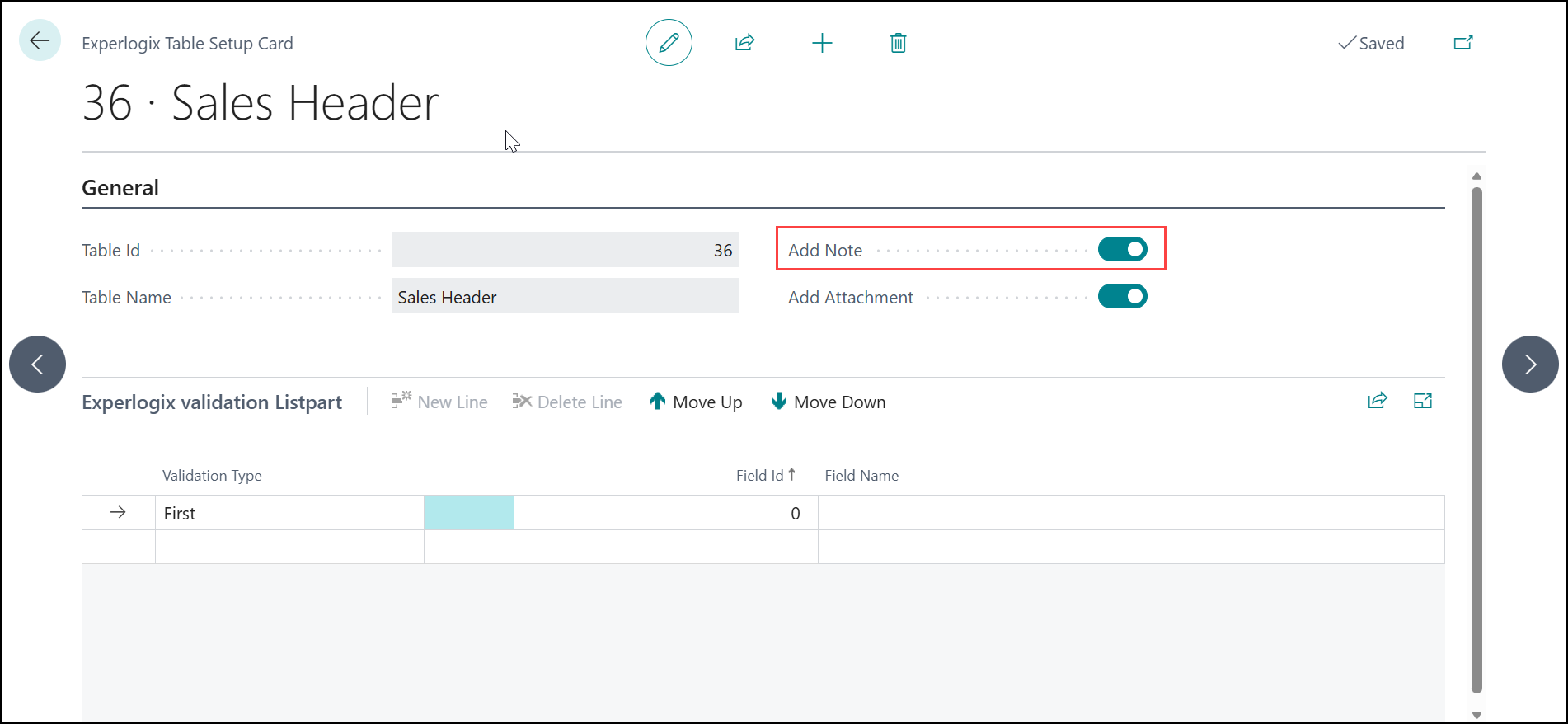
The Note and Attachment integrations enable users to enrich Business Central records with additional information directly from CPQ. Notes provide a simple way to store textual information against supported entities, while Attachments allow documents and files to be associated with records using file metadata and Base64-encoded content. To use either feature, configure the relevant entities in Experlogix Table Setup and enable the corresponding Add Note or Add Attachment option.
Header Details for Attachment
|
Field |
Value |
|---|---|
|
Name |
Attachment |
|
Process integration |
Name of BC Process integration |
|
Entity |
Attachment |
|
Template |
|
|
Option link property |
|
Lines Mapping for Attachment
|
Field |
Field data type |
Name |
Mapping type |
Value |
Remark |
|---|---|---|---|---|---|
|
2 |
Integer |
Table ID |
Key |
|
|
|
3 |
String |
No. |
Key |
|
|
|
13 |
String |
Document Type |
Key |
|
|
|
14 |
Integer |
Line No. |
Key |
|
|
|
1 |
Integer |
ID |
Key |
|
|
|
5 |
String |
File Name |
Property |
Filename |
Property filename should contain the full filename - sample.txt is a valid one |
|
8 |
String |
Doucment Reference ID |
Property |
AttachmentEncoded |
Property should contain a base64 encoded string - sample is dGhpcyBpcyBhIHRleHQ= |
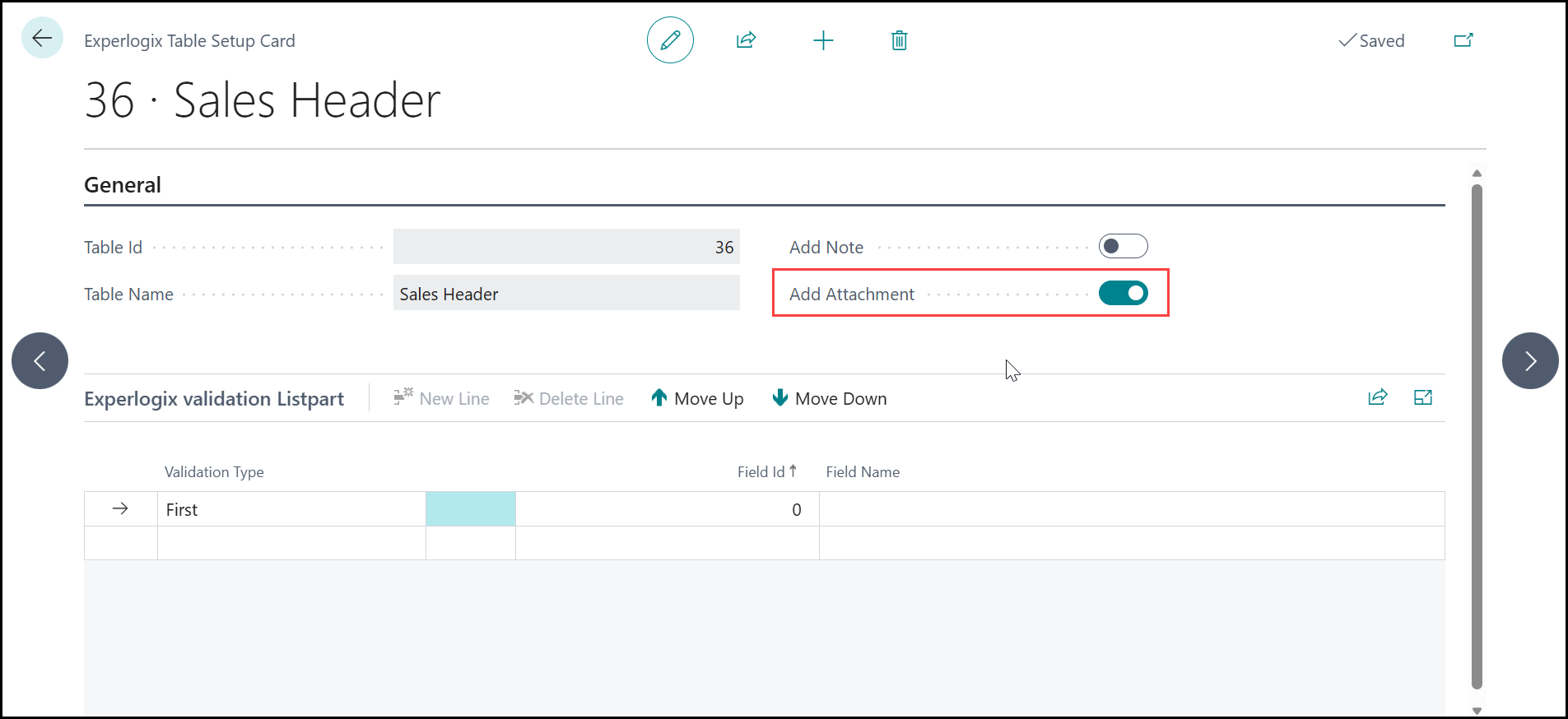
Enable Attachments on an Entity
-
Entities that require an attachment, navigate to Experlogix Table Setup, add an entity, and toggle the 'Add Attachment' setting.
Header Details for Notes
|
Field |
Value |
|---|---|
|
Name |
Note |
|
Process integration |
Name of BC Process integration |
|
Entity |
Note |
|
Template |
|
|
Option link property |
|
Lines Mapping for Notes
|
Name |
Field |
Data type |
Mapping type |
Value |
|---|---|---|---|---|
|
Link ID |
1 |
String |
Key |
N |
|
Note Value |
3 |
String |
Property |
Description |
Enable Notes on an Entity
-
Entities that require a note, navigate to Experlogix Table Setup, add an entity, and toggle the 'Add Note' setting.