
The Recalculate functionality enables Experlogix Cloud Connect users to execute Configurator business logic and update results in Salesforce without opening the Configurator, ensuring data consistency whenever changes occur. This is particularly useful when pricing or logic changes in the Configurator (e.g., price updates or rule modifications). Instead of manually opening the Configurator and saving, you can use the Recalculate action. This headless process runs in the background to apply updated logic, recalculate configurations, and persist changes automatically.
Supported Forms and Entities
The Recalculate button is available on the following forms, allowing users to trigger CPQ recalculation without manual intervention:
-
Quotes
-
Opportunities
-
Sales Orders
-
Invoices
-
Project Operations Projects
-
Field Service Customer Assets
Prerequisites and Limitations
Before using the Recalculate functionality, ensure:
-
Cloud Connect Configurator URL is set up in Admin Center and tested successfully.
-
Integration API Settings in Salesforce are configured and tested.
-
Configurator Stateless Web Service is configured.
-
Web Configuration Migration Service is enabled.
-
You have sufficient rights to see the Recalculate button on the entity form in Salesforce
Steps to Recalculate a Quote
This section explains how to perform a recalculation without opening the Configurator. While the example focuses on Quote, the same functionality is available for other entities.
-
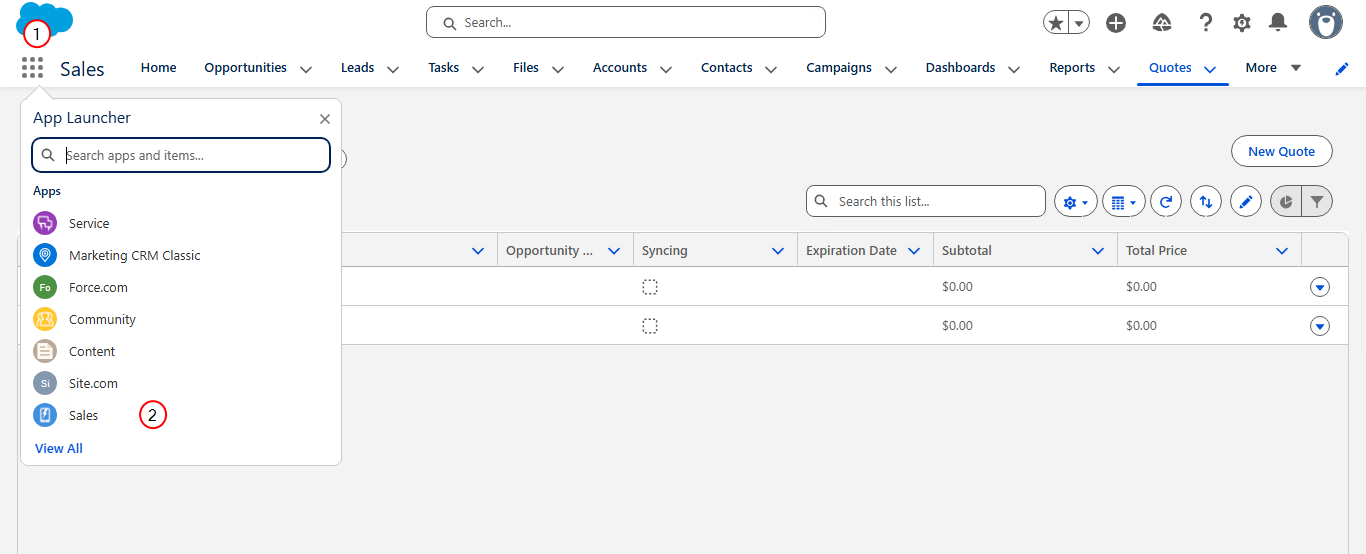
On the Salesforce home page, at the top left, launch the App Launcher.
-
Select Sales.
-
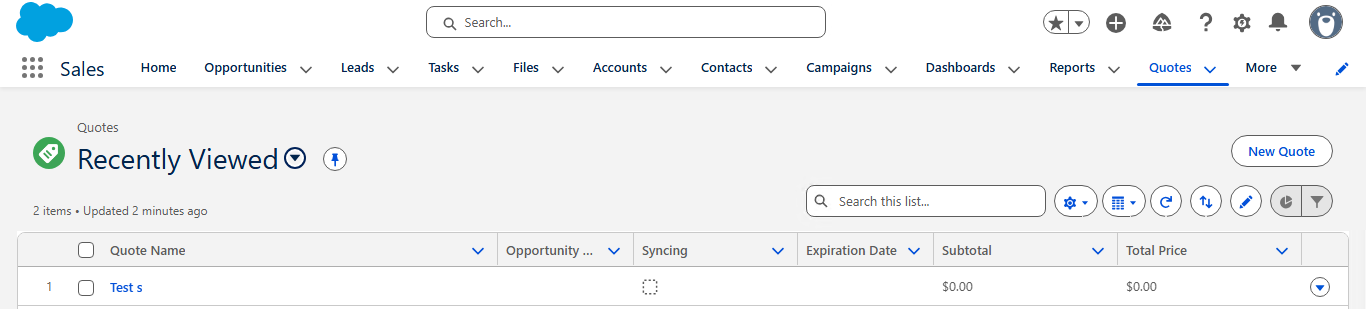
On the Sales app home page, select Quotes.
-
Search or select an quote from the quote list.
-
Select Recalculate.
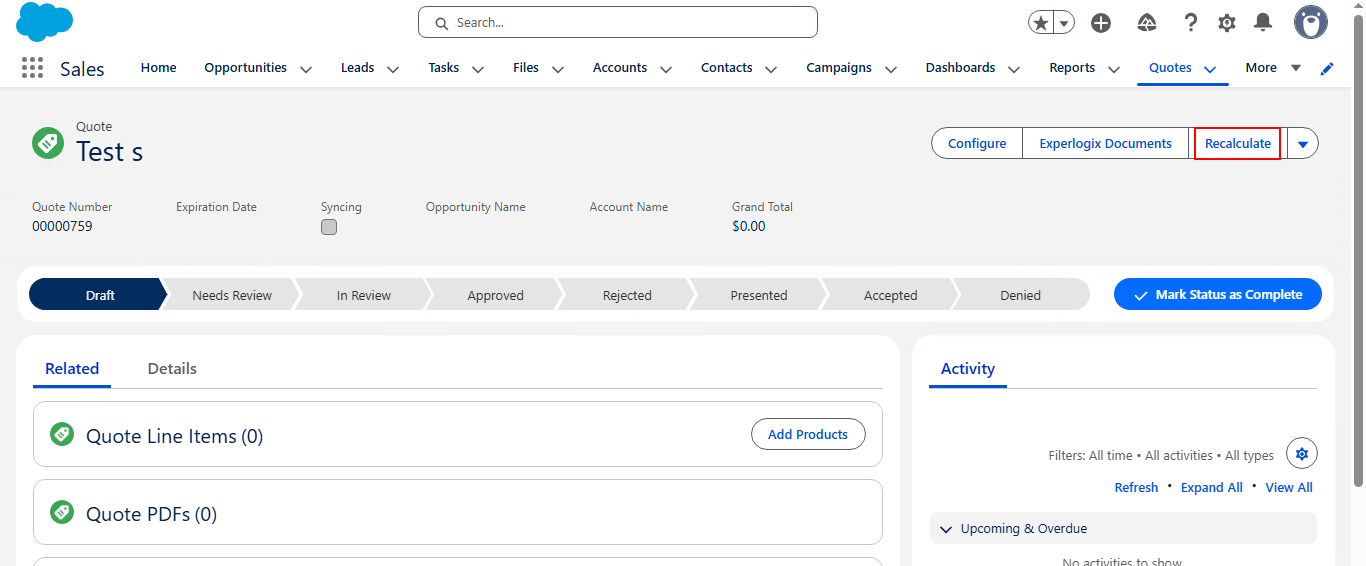
The quote is recalculated with new data.
Logging
The request and response for Recalculate are logged via Salesforce Logging, providing traceability for audits and troubleshooting.