
Experlogix's logging solution allows you to monitor the execution of inbound/outbound API requests of Experlogix CPQ. Every call to an Experlogix API endpoint will get logged, even if the actual API service is not implemented.
Calls to standard Salesforce APIs and APIs outside the Experlogix namespace are not logged. Example: Login calls, Metadata API calls, other package API calls.
Logging contains four objects:
|
Object |
Description |
|---|---|
|
Logging Session |
Represents a logging session for the particular running User. |
|
Log |
Represents the actual execution of the API call logic. Acts as a holder of all LogEntries. |
|
Log Entry |
Represents one piece of information related to certain API/feature execution. |
|
Salesforce Attachment |
The standard Salesforce object which is used to store the request and response payloads. |
Required Permissions
Experlogix Logger Admin
Logging Session
Only one Logging Session can be active at a time. Each logging session has StartDate, Duration, and isActive fields that control if the logging happens. The logging session also has a Logging Level field that can contain five values:
-
NONE
-
ERROR
-
WARNING
-
INFO
-
DEBUG
The values control the amount of logs that are generated for each request. Nothing is generated for NONE and maximum amount is generated when DEBUG is chosen.
When a Logging session is updated to become active, or the StartDate+Duration shifts to the future and still within the active time frame, all existing logs are deleted to keep the Salesforce storage from being overloaded with unnecessary data. If you want to clear data manually, the Clear logs button on the LoggingSession level will clean up the logs under the selected session.
Log
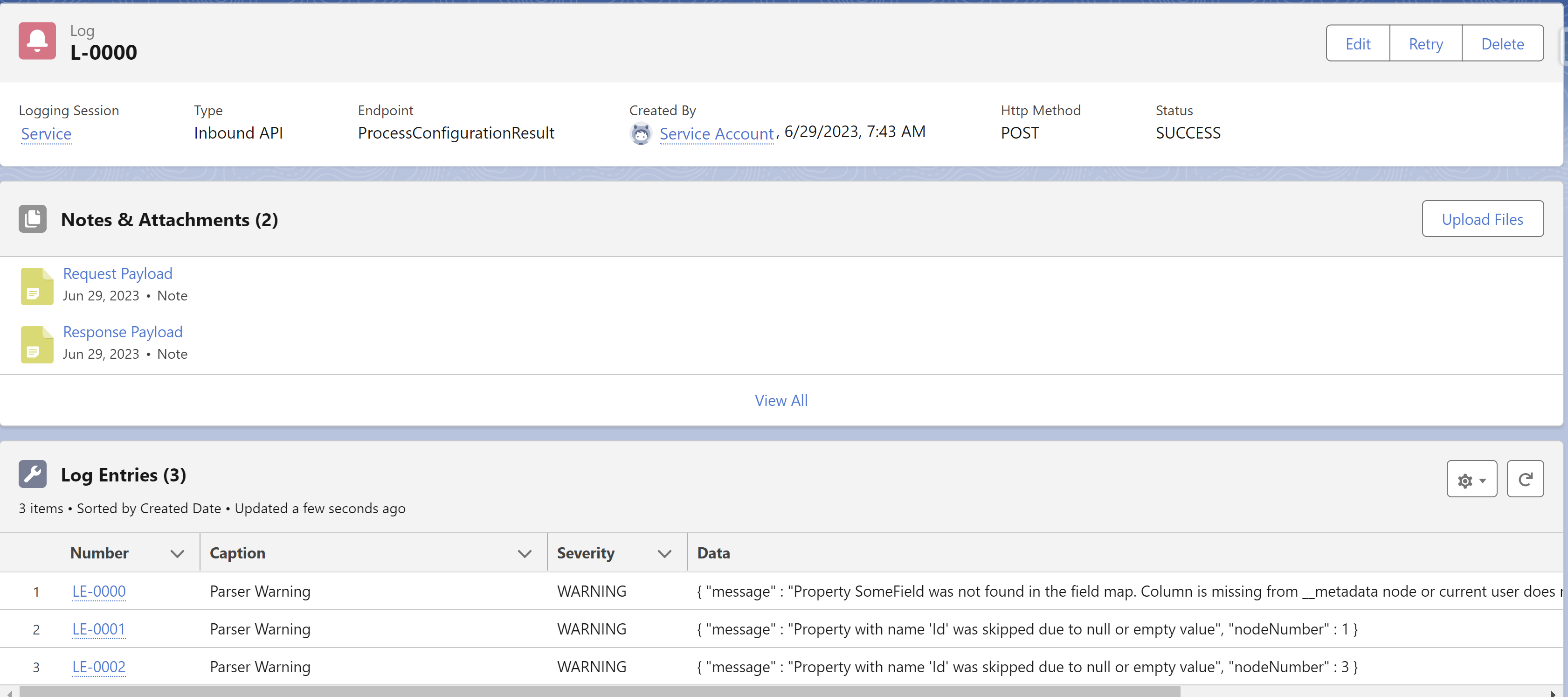
The log acts as the holder of log entries and contains information about the request such as endpoint, HTTP method type, status, time of the call, and other relevant information. Each log also has one or more log entries and one or more notes attached. Notes represent request and response payloads and are named accordingly.
Some logs, usually those with a request payload, have a hidden retriable flag. If the retriable flag is true, the Retry button is shown. The button runs the Log Retry feature.
Payload Attachments
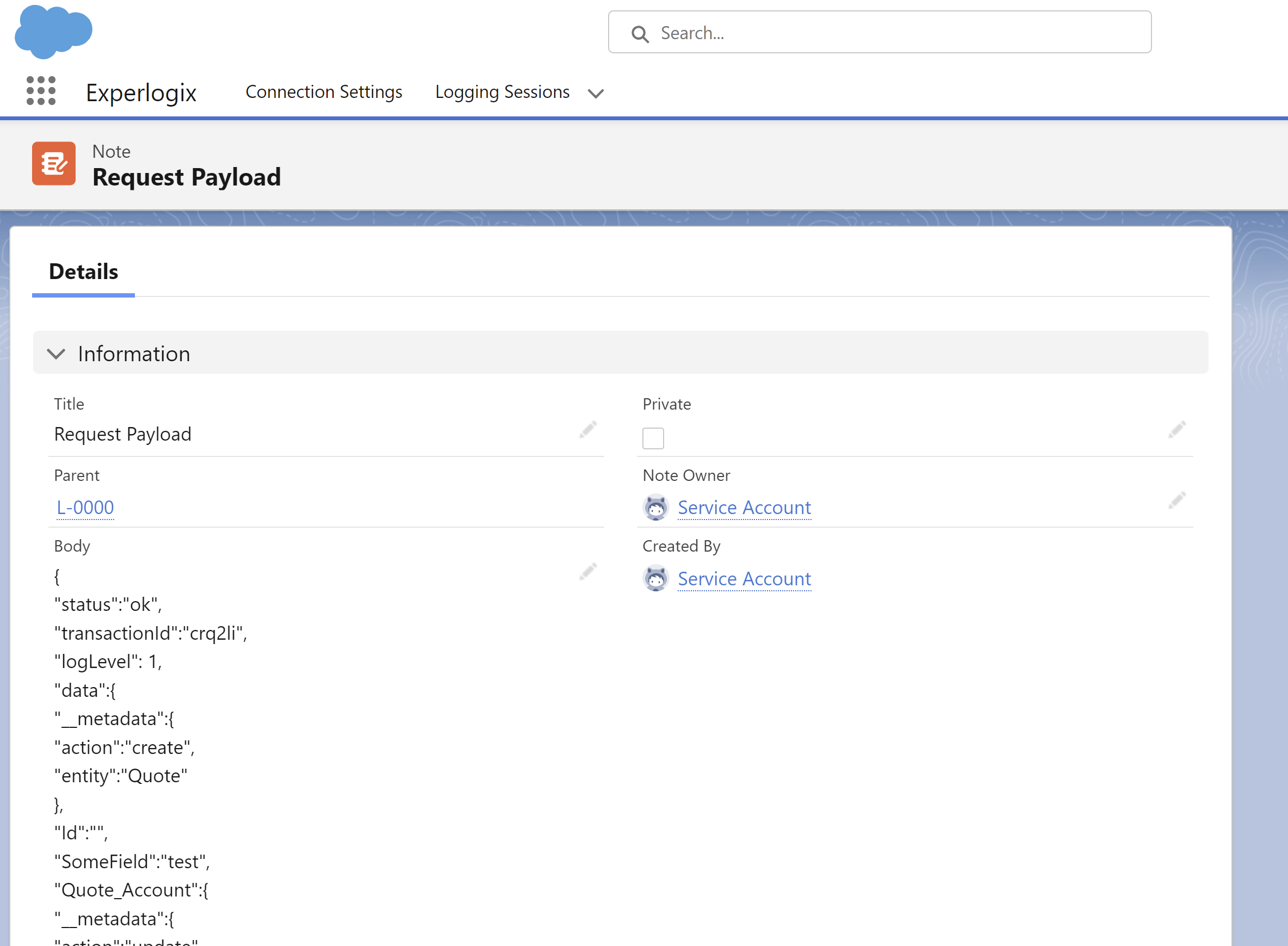
Payload attachments are attached to the Log object. The request payload attachment body can be changed to test specific logic and process document changes or other behaviors.
Log Entry
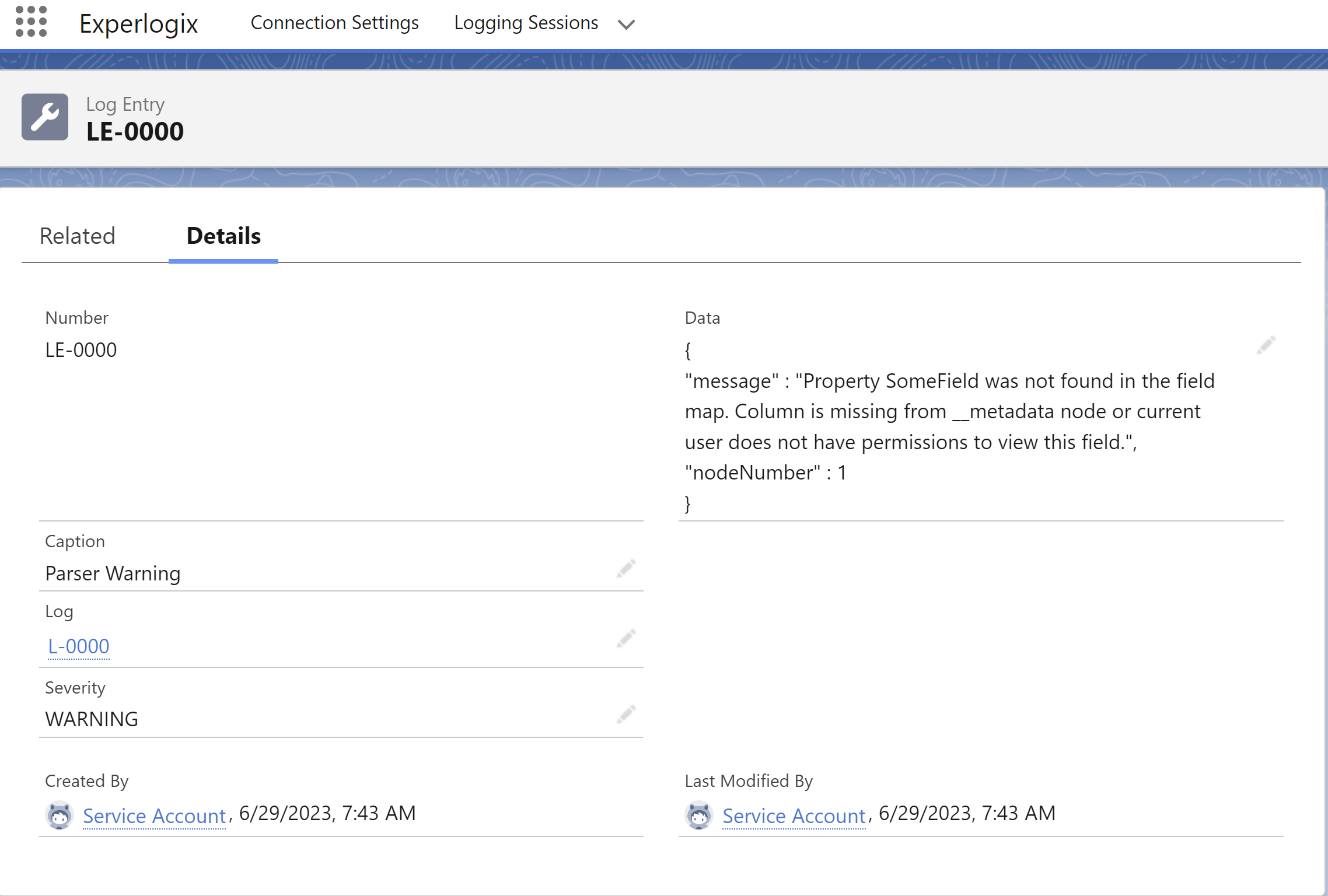
A log entry contains information about the request execution. Some log entries contain a body, while others do not, depending on the type of request. Each log entry has an innate severity level, which is used by the Logging Level setting on the logging session to determine whether or not the individual entry is included. For instance, if the Logging Level is set to Warning, all entries with a severity of Warning or Error will be captured in the log, while entries of lesser severity (Info, Debug) are omitted.
Individual log entries cannot be created, edited, or deleted from the logging user interface.
Log Retry
Log retry is only available on Inbound API request logs where the endpoint is ProcessConfigurationResult. When retrying a log, the log is rerun as the user who presses the Retry button, not by the user for whom the log was initially generated.
When the log is rerun all the database changes are committed. If the process document that creates a Quote with a LineItem is retried, a new Quote and a line item is created, but no information is passed back to CloudConnect/ExperlogixCPQ.
When the Retry button is selected and rerun is successful - the user is navigated to newly generated log record. When the Retry button is clicked and rerun is failed, the user is notified of an error and they are not directed to a new log record.
The actual execution can fail, but the log rerun would be considered a success.